Installation Guide
Morghulis is a Wayland desktop shell built with GTK4, Libadwaita and Astal. Install the requirements, then grab it from the AUR or build it from source.
Requirements
Compositor
River or Hyprland
Build tools
Vala, Meson, Just, Blueprint-Compiler
Toolkit
GTK4, gtk4-layer-shell, Libadwaita and the Adwaita theme
Astal
Tray, Wireplumber, Mpris, NotifD, Network, Bluetooth, Apps, Battery, Power Profiles, plus River or Hyprland
Libraries
GSound, libgtop, muparser, CMark, JsonGLib, libsoup, libportal
The River and Hyprland Astal modules are optional when building from source; the binary release needs everything.
Install
Arch Linux
- Install from the AUR with any helper:
yay -S morghulis-git - Run it:
morghulis --help
Prefer the latest release binary? Use the morghulis-bin PKGBUILD.
From source
- Clone the repository:
git clone https://github.com/ARKye03/morghulis cd morghulis - Set up the build and install:
just init
just install
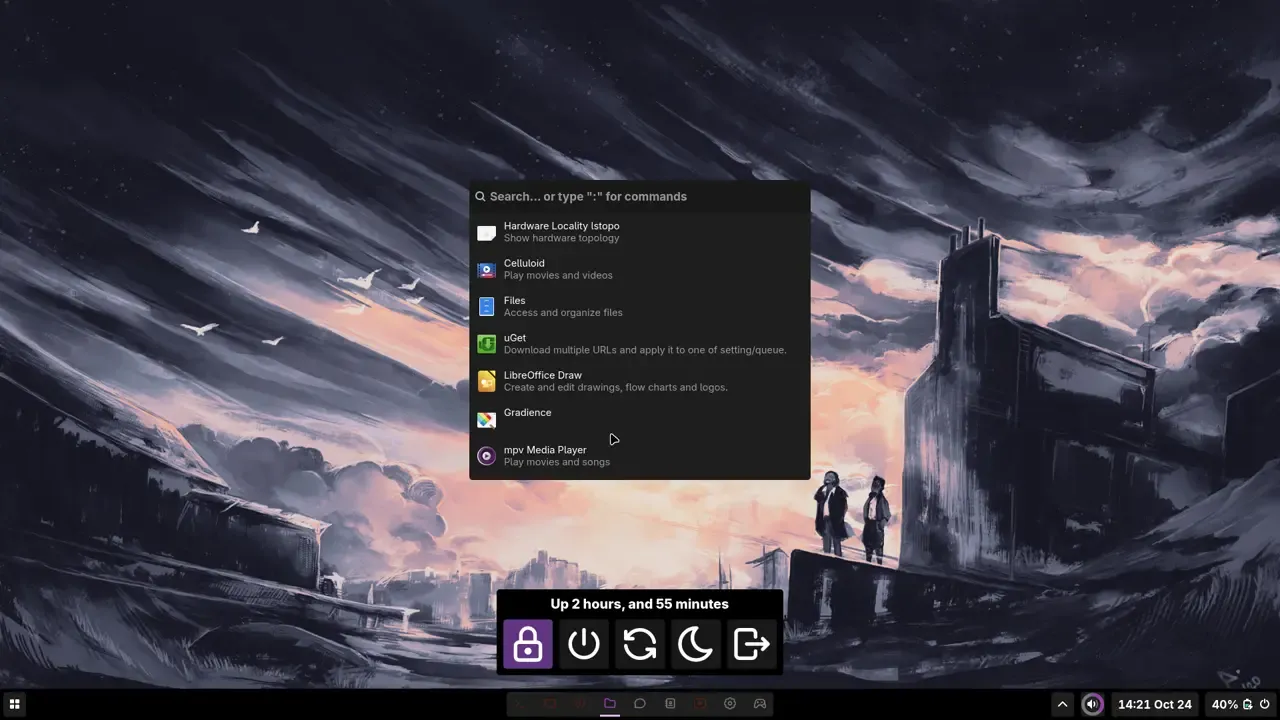
After installing
Launch it
Start
morghulisfrom your River or Hyprland session. Runmorghulis --helpfor the CLI commands that toggle windows and open the inspector.Backlight
Add your user to the
videogroup to use backlight services.On-screen display
Append
morghulis -r change_volumeormorghulis -r change_brightnessto your volume and brightness keybindings, for example in Hyprland:binde=, XF86MonBrightnessUp, exec, brightnessctl set +10% & morghulis -r change_brightnessCustomize
Restyle the shell with your own CSS. See the configuration guide.
Frequently Asked Questions
Installation fails with a dependency error. What do I do?
How can I have the bar at the top?
Either run gsettings set com.arkye.morghulis navbar-anchor "top" or change it in the Quick Menu, then reload Morghulis.
Brightness controls or the brightness OSD do nothing.
video group to use backlight services, and the OSD only shows when your keybinding also runs morghulis -r change_brightness.